Tutorials
Step-by-step video guides to help you design, plant, and grow a thriving native garden.
NGP Basics
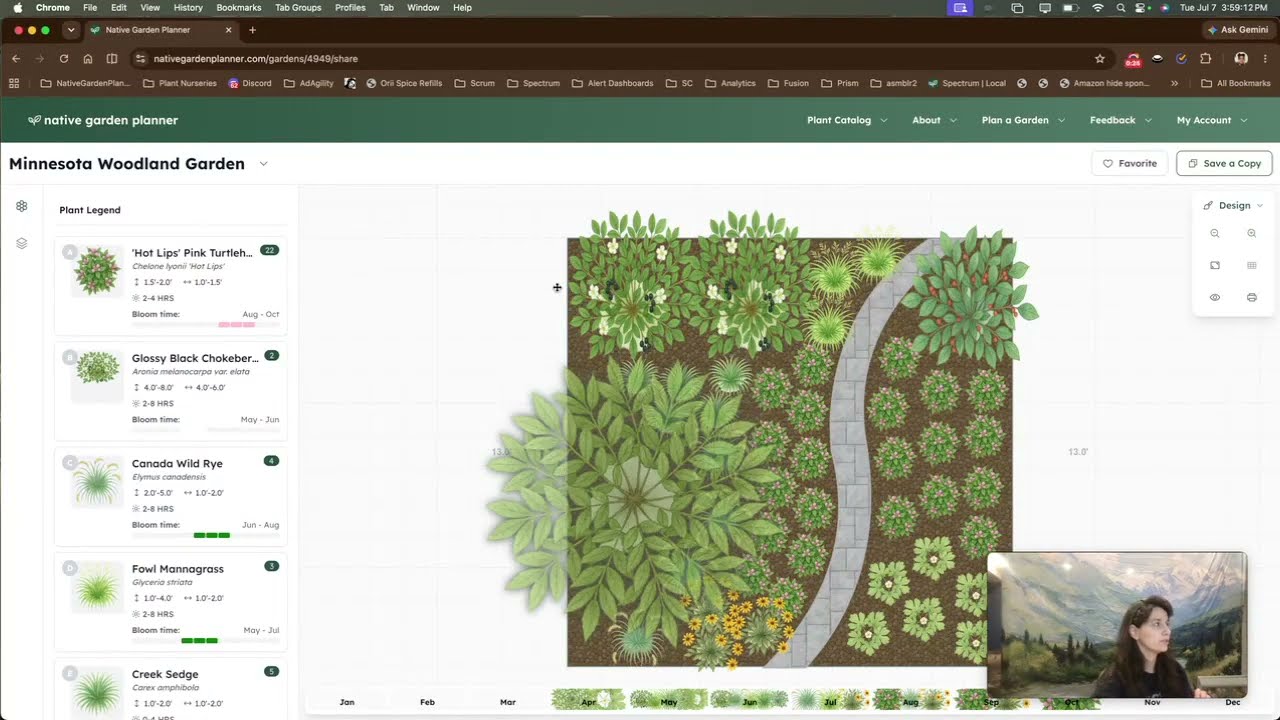
NGP Basics: Create a Project
Learn how to create your first garden project in Native Garden Planner — setting your project name, dimensions, growing conditions, and getting your canvas ready for design.
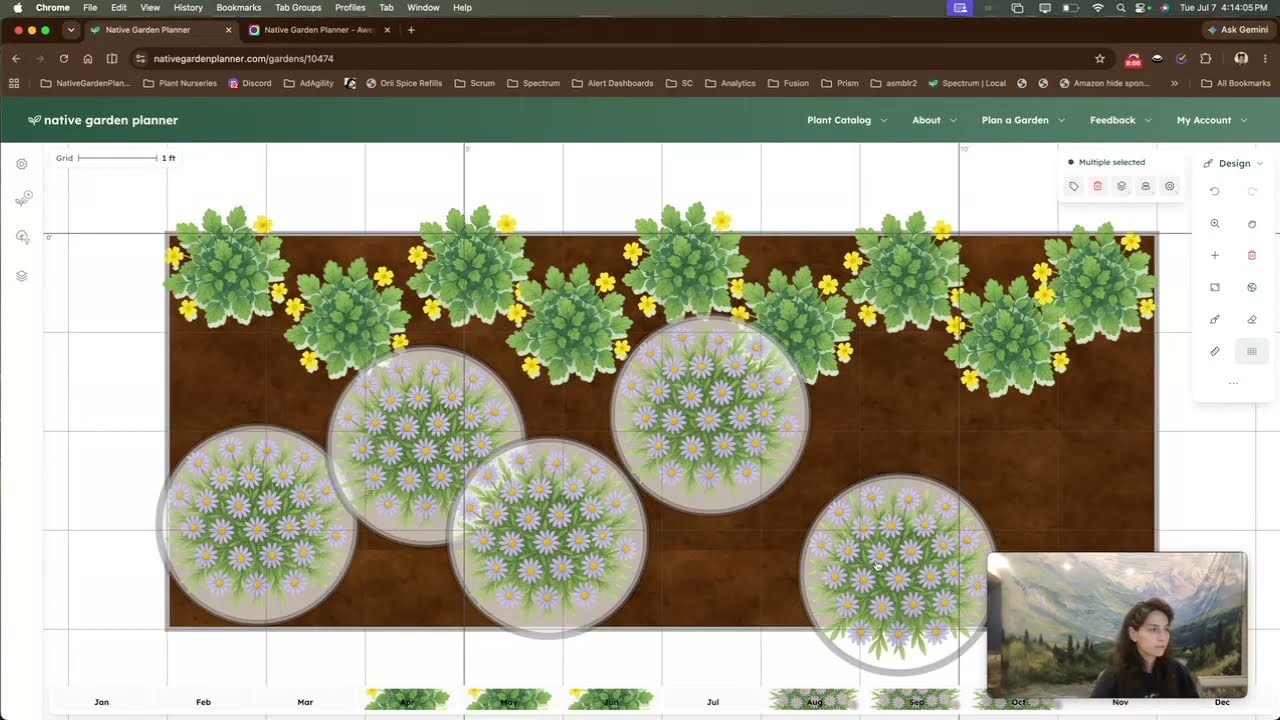
NGP Basics: Browse Catalog & Add Plants
Learn how to browse the Native Garden Planner plant catalog and add plants to your garden design — finding the right plants, placing them on your canvas, and using plants from your own saved collections.
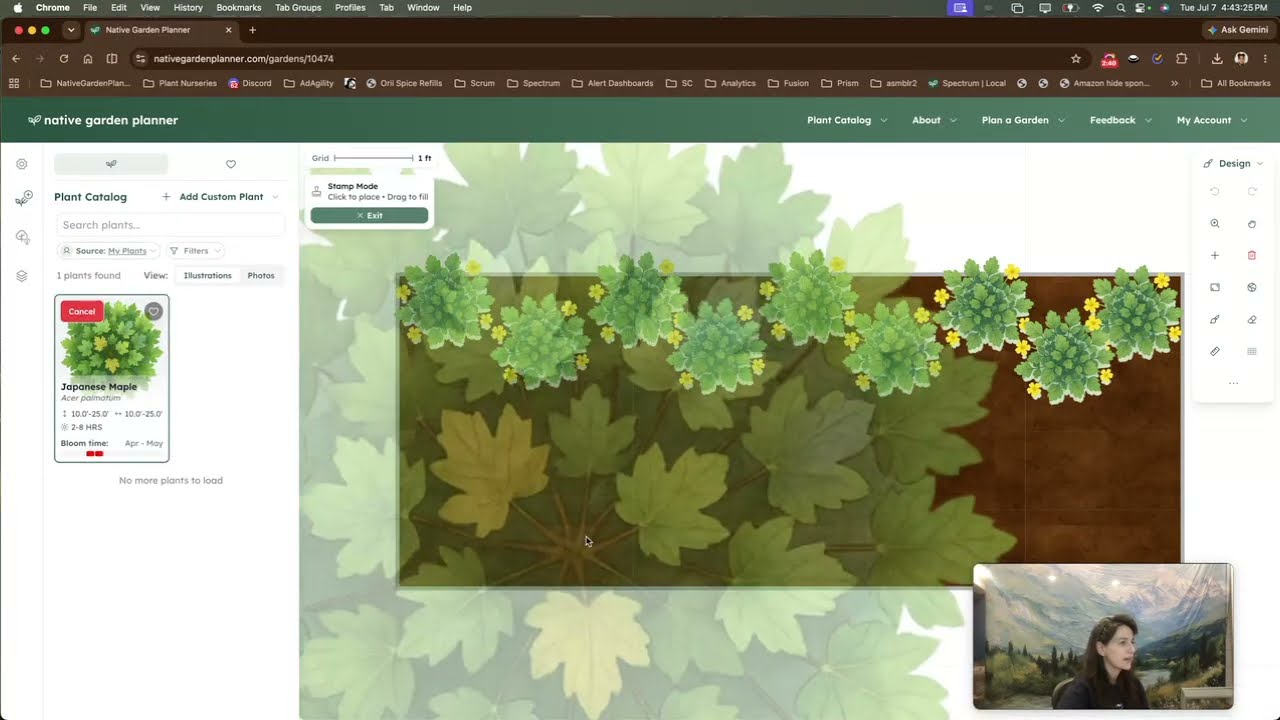
NGP Basics: Add a Custom Plant
Learn how to create your own custom plants in Native Garden Planner — adding cultivars, local ecotypes, or any plant that's missing from the catalog — and build your own reusable plant library.
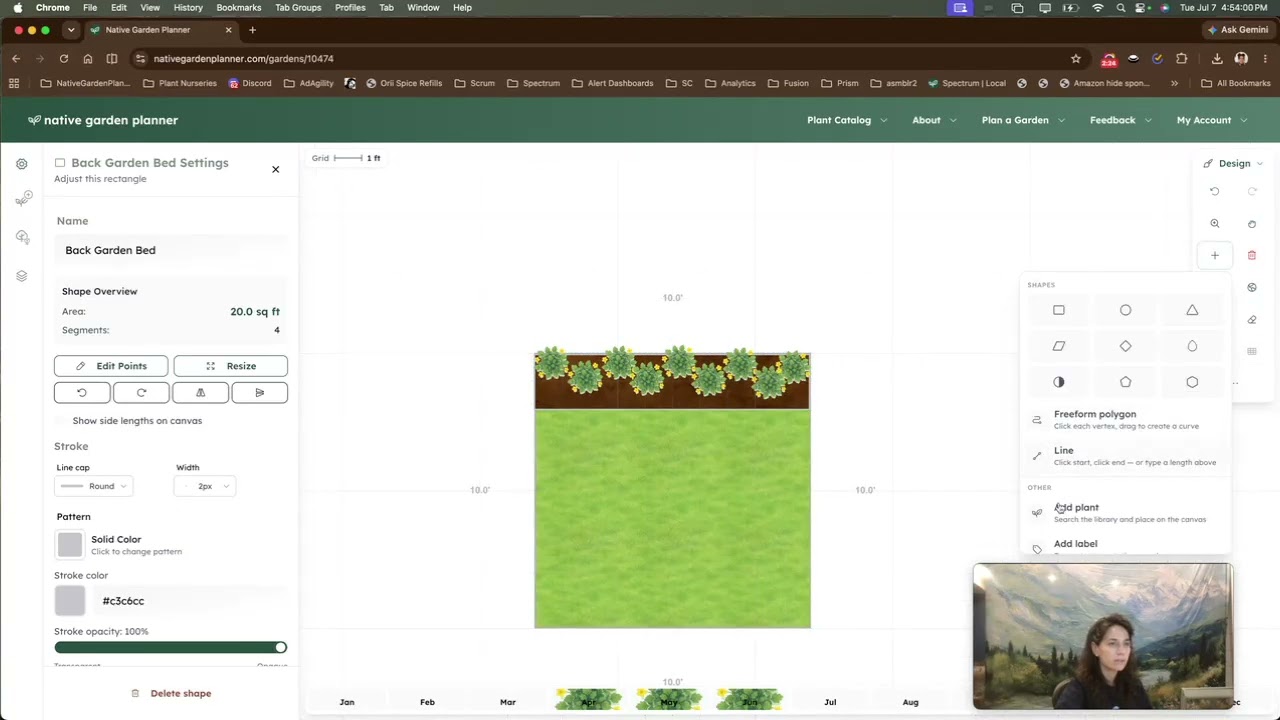
NGP Basics: Add a Simple Shape
Learn how to add simple shapes to your garden design — rectangles, circles, teardrops, and more — to represent patios, mulch beds, ponds, and other landscape elements.
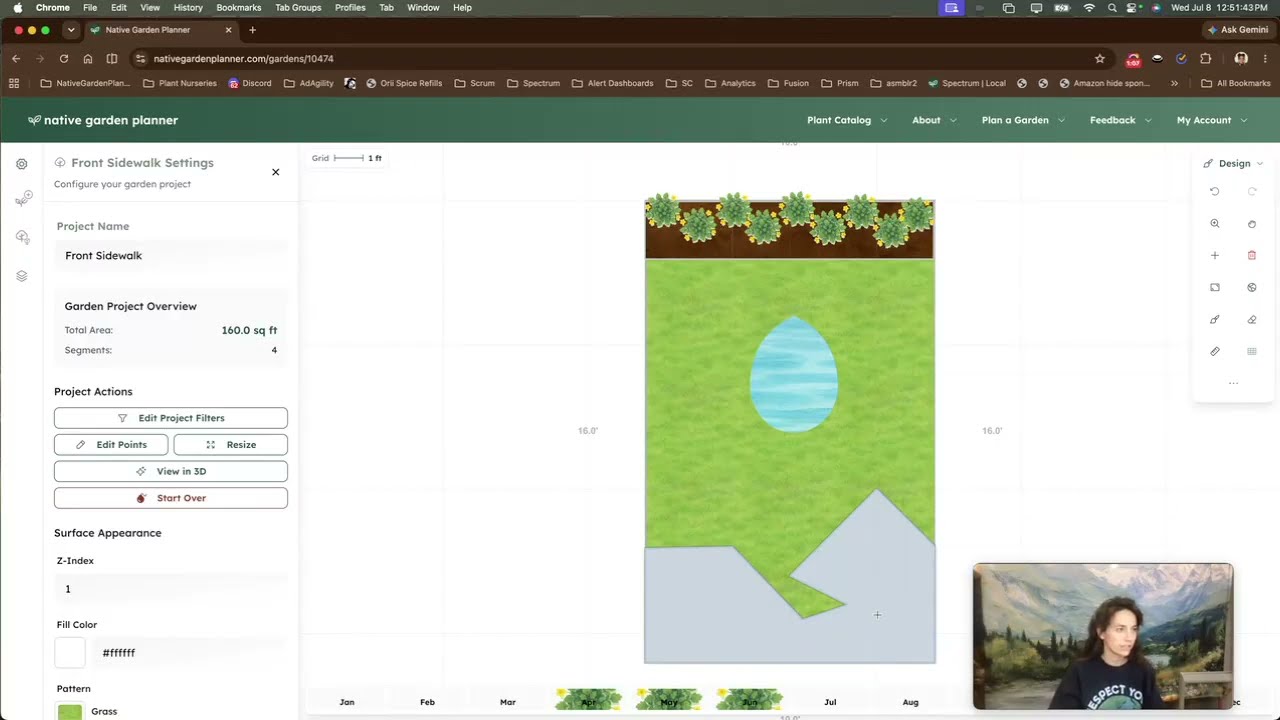
NGP Basics: Freeform Shapes & Curves
Learn how to create custom garden beds and landscape features using the freeform polygon builder — drawing natural, organic layouts with curves, editing points, and tracing from a reference image.
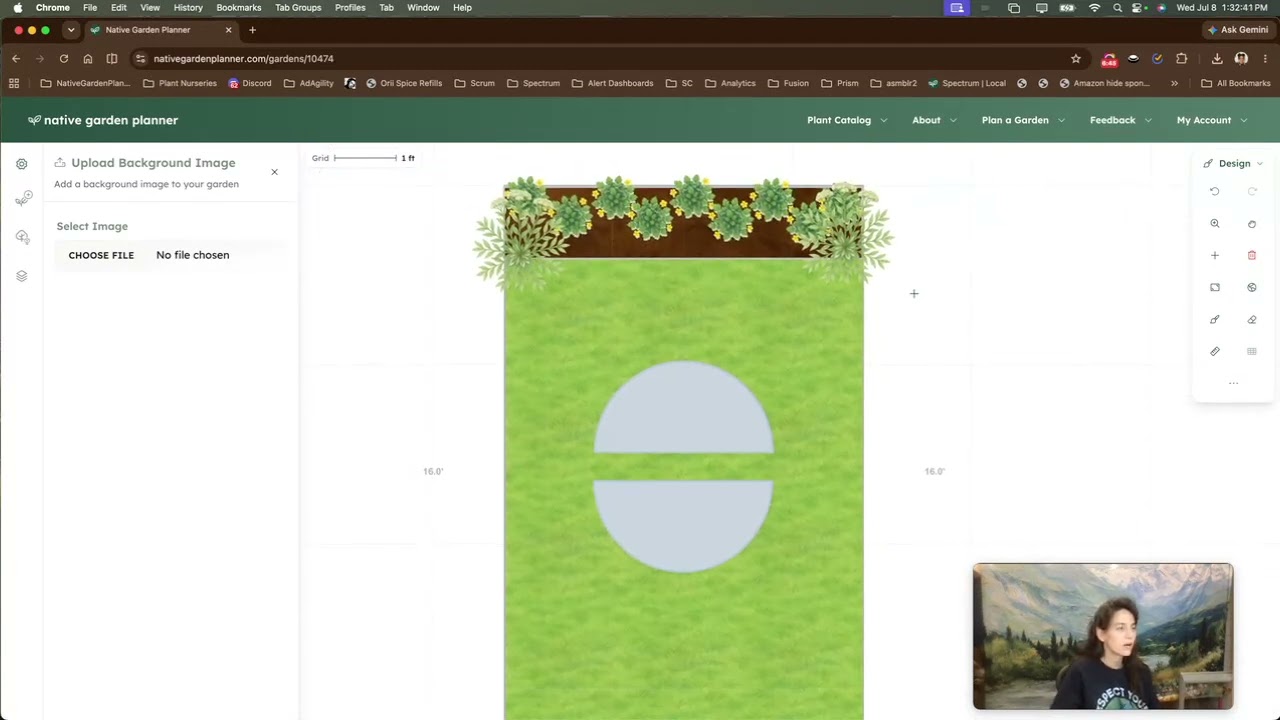
NGP Basics: Control Panel
Get familiar with the Control Panel in Native Garden Planner — zoom, pan, design modes, adding elements, project actions, and the Review Garden tool.
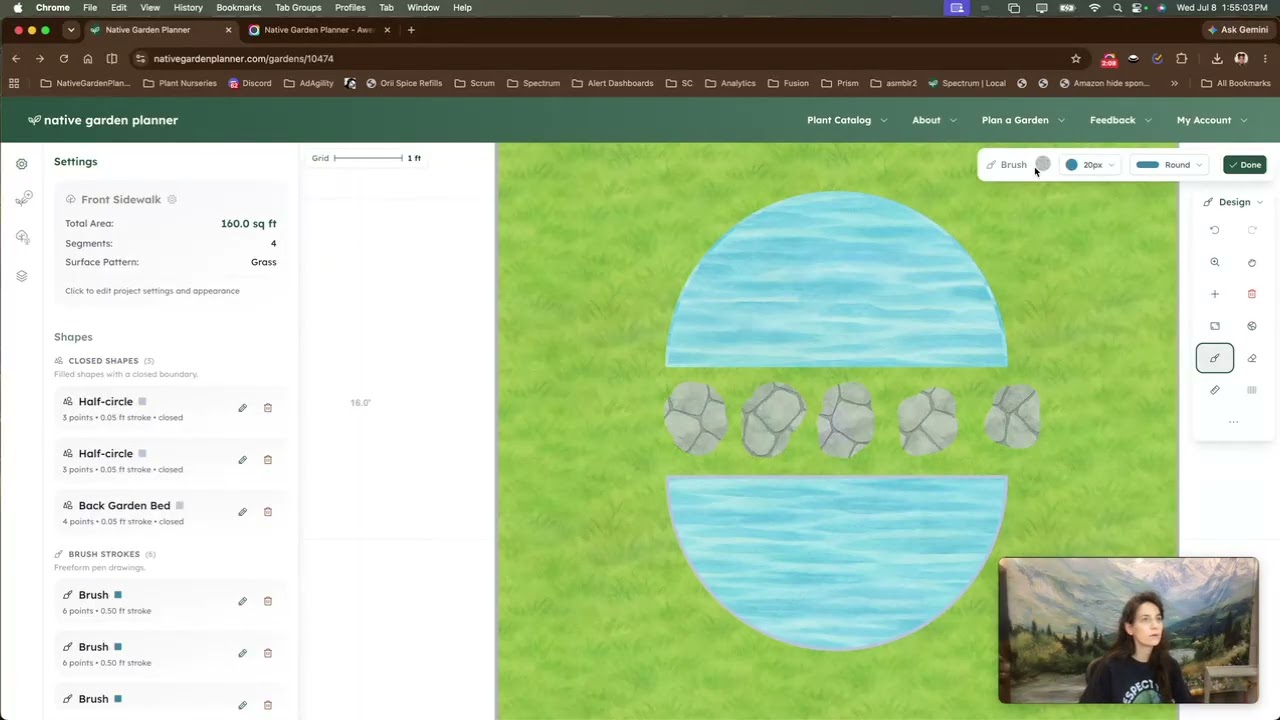
NGP Basics: Brush + Eraser
Learn how to quickly paint and erase landscape areas using the Brush and Eraser tools — great for pathways, mulch beds, beaches, and any shape that's easier to draw freehand than to build with the polygon tool.
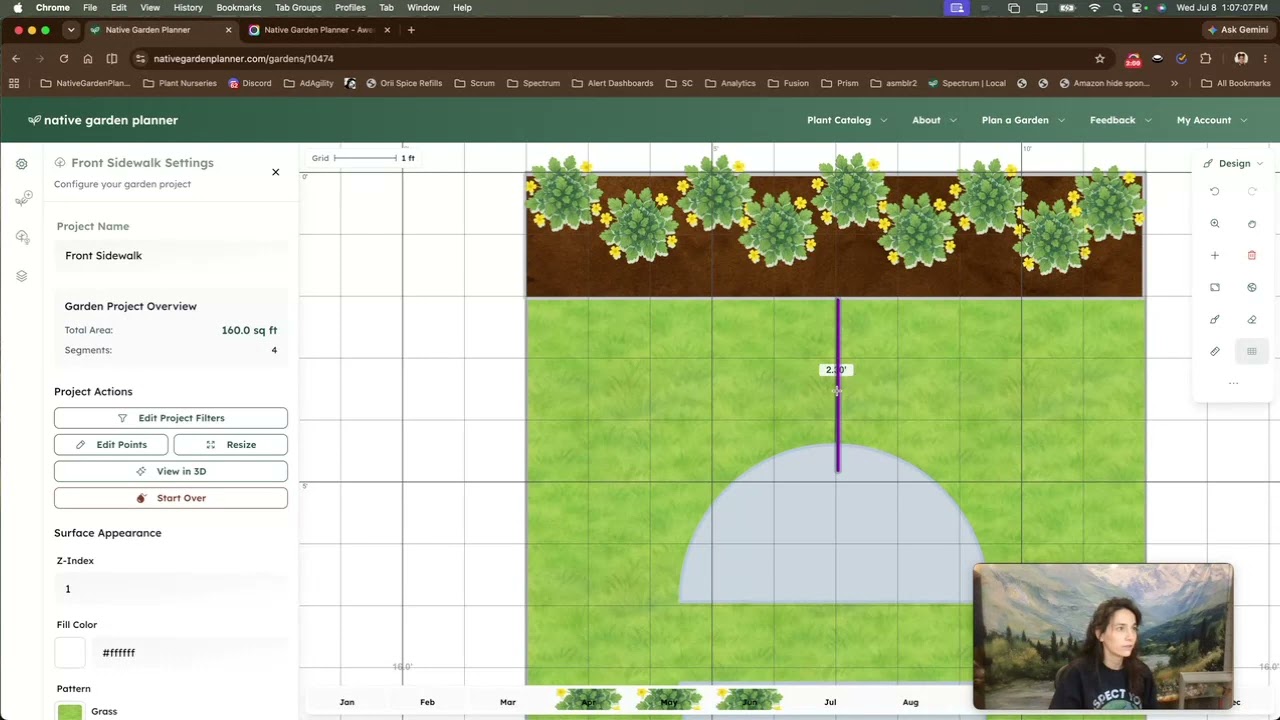
NGP Basics: Ruler + Lines
Learn how to measure distances and add straight lines to your garden design — making it easy to plan layouts, mark dimensions, and create clean, precise designs.
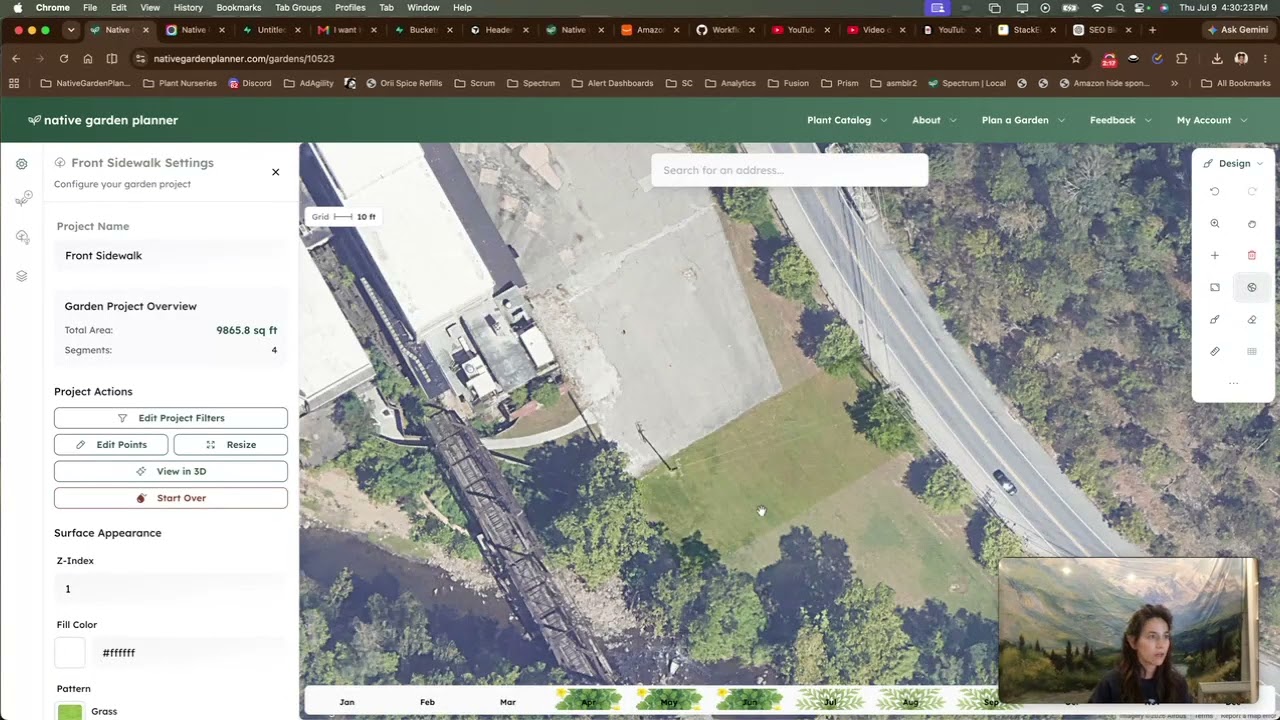
NGP Basics: Map + Satellite
Learn how to use maps and satellite imagery in Native Garden Planner to design directly on your property — adding a map background, aligning your design with your real yard, and using aerial imagery as a planning guide.
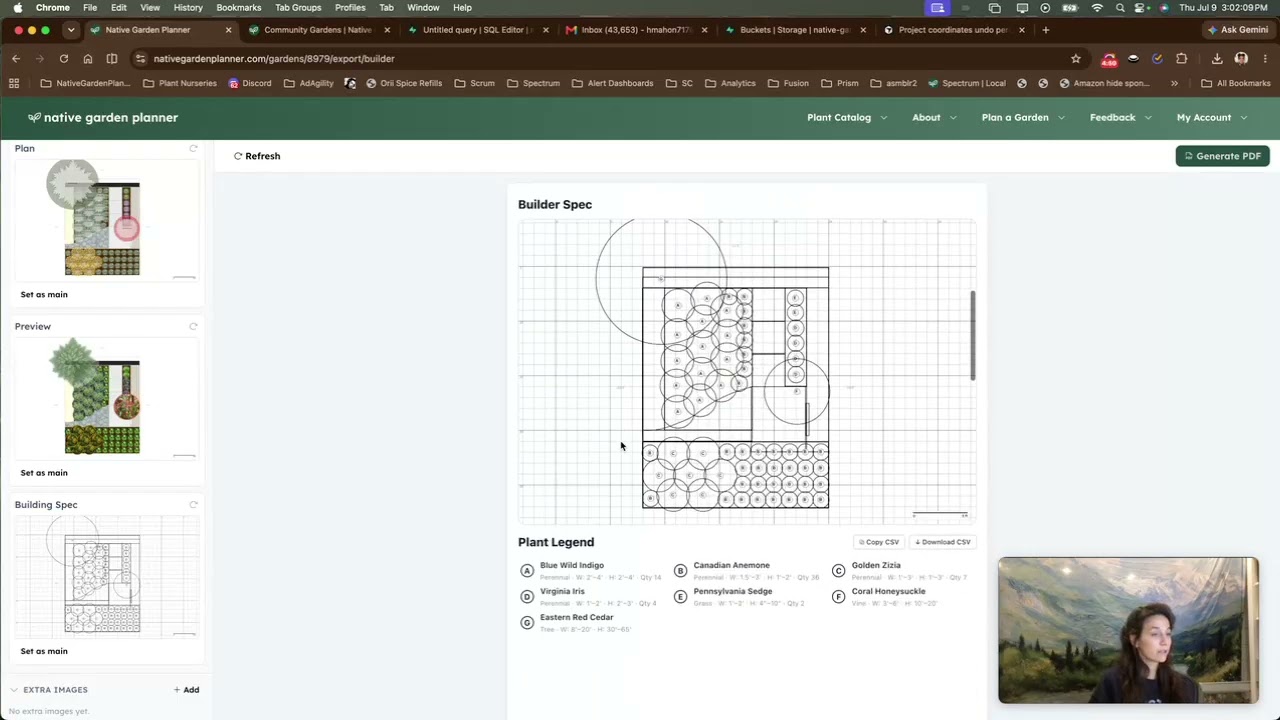
NGP Basics: Export
Learn how to share your garden designs and create polished exports — from shareable links to fully customized multi-page PDFs with plant appendices, bill of materials, bloom schedules, and more.
Live Streams
PLANNING YOUR NATIVE GARDEN: With Native Garden Planner
Created in partnership with the Sag Moraine Native Plant Community, this webinar demonstrates how thoughtful planning can make designing a native landscape simpler, more enjoyable, and more successful.
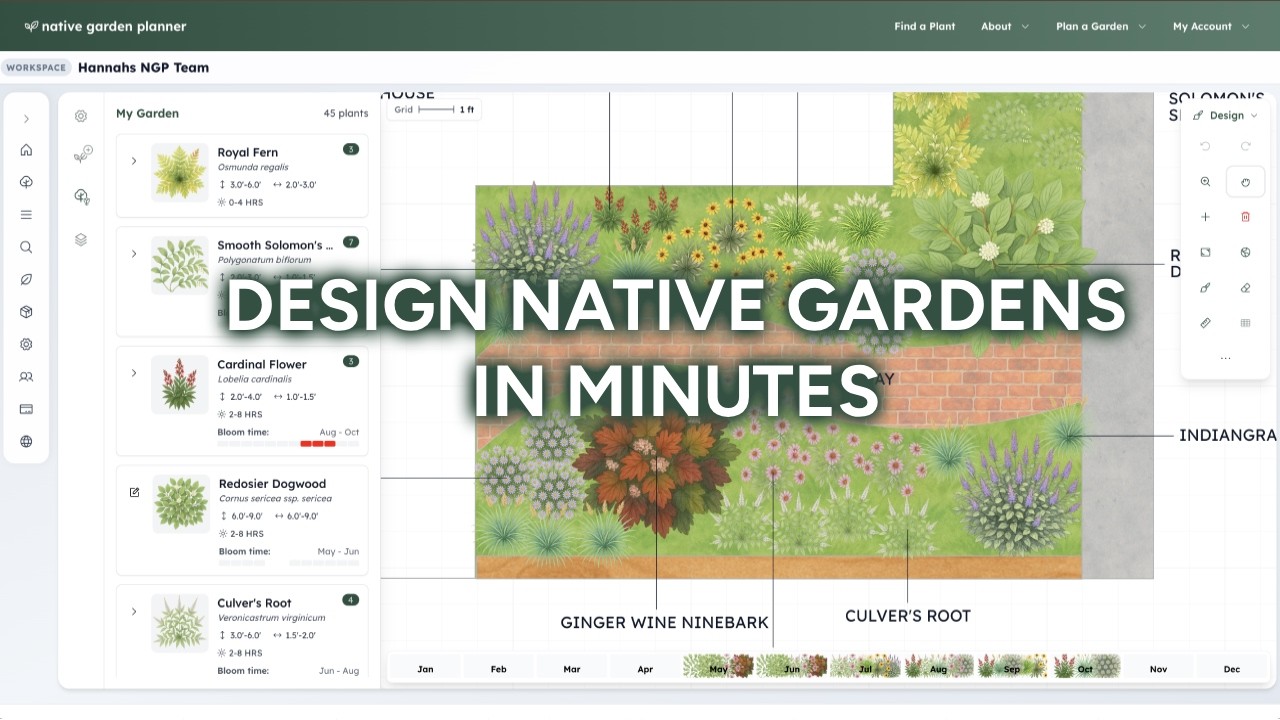
Live | A Faster Way to Design Native Gardens
A live demo walkthrough of Native Garden Planner — from creating your first pollinator patch to exploring advanced export and community features.